
Introduction to Our Online Clipboard
Welcome to our web-based clipboard tool! This useful tool lets you copy and paste text and images across different devices seamlessly. You don’t have to worry about cloud sharing or Bluetooth sharing when you have this thing at hand.Simply paste or type your text in the provided box (or upload your image) and then use the provided code on any other device to instantly fetch the data.This online clipboard syncs in real time and provides instantaneous access to files across your devices via the internet. It’s free and requires no sign-up at all. Plus, all your data is kept 100% safe and secure.
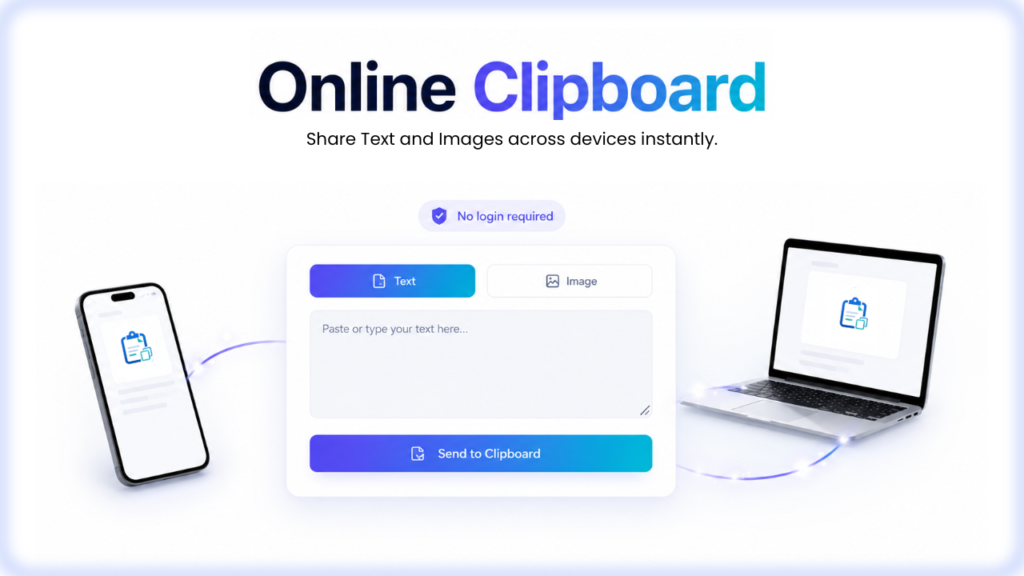
How to Use Clipboard Online?
Here is how you can use this tool:
To Send Files to the Clipboard
1. First, open the Online Clipboard.
2. Then, paste or type your text in the provided space.
3. If you want to share an image instead, click on the “Image” tab at the top. Click on the area labeled “Click to Select an Image” and then choose the image from your device’s storage.
4. Once you have added the text/image, click on the button labeled “Send to Clipboard”.
5. You will be provided with a unique code. Click on the “Copy” button to copy the code.
To Retrieve Files from the Clipboard
1. Open the Online Clipboard.
2. Click on the “Retrieve” tab.
3. Enter the unique code in the space provided.
4. Click on the “Retrieve” button.
5. If the file is text, it will be displayed along with a button to instantly copy it.
6. If the file is an image, it will be displayed along with a button to open it. From there, you can download the image (if needed).
That’s it! The process of using this tool is super easy and simple.
Features of Our Online Clipboard
Here are some of the features that you can enjoy with this tool:
Troubleshooting Guide:
Possible Problems That You Might Face + Solutions
Here is a list of some possible issues that you might run into when using our online clipboard, along with their solutions.